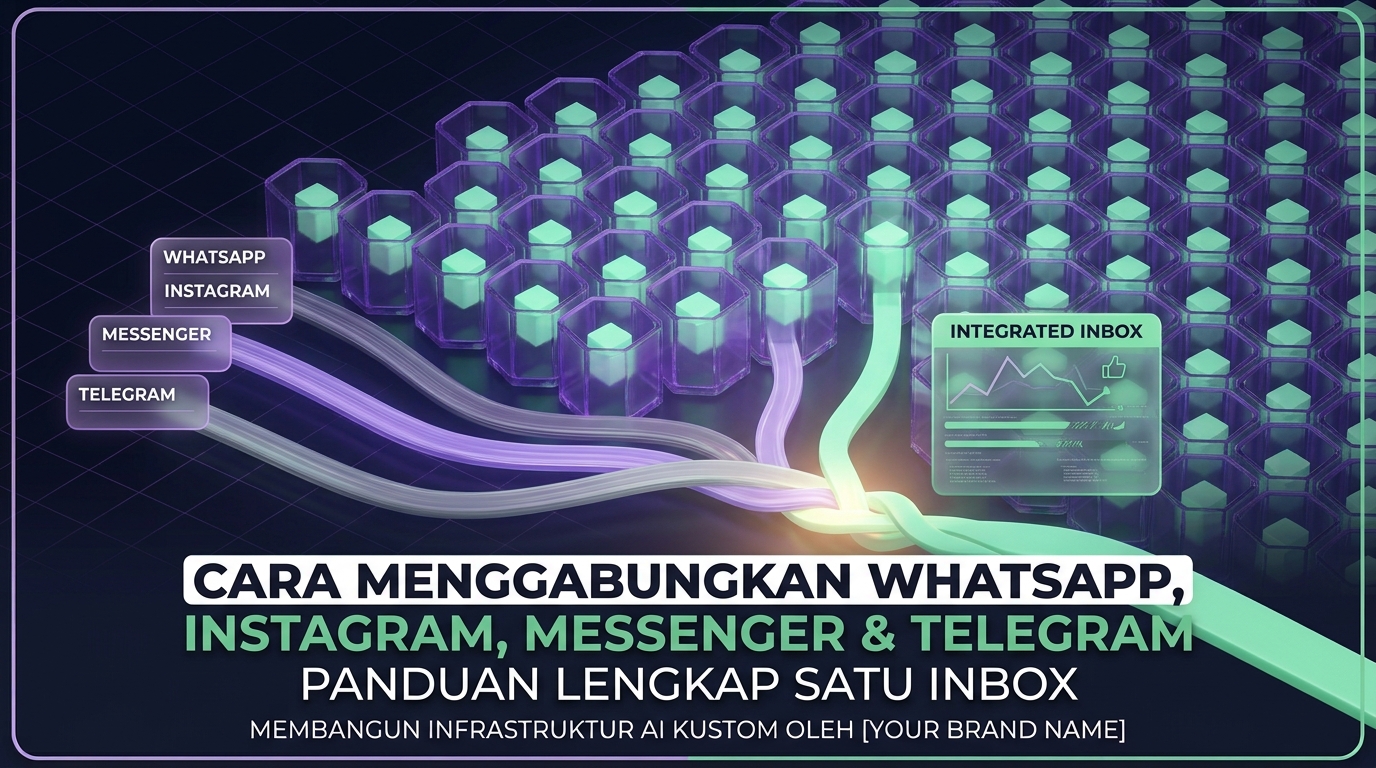

What is WABA and How is it Different from Regular WhatsApp Business
WhatsApp Business API (WABA) is a communication solution designed for large-scale businesses. Unlike the regular WhatsApp Business app, WABA offers more advanced features and the ability to handle larger message volumes. With WABA, businesses can interact with customers automatically and efficiently, and integrate their CRM systems.
Use Cases That Must Use WABA
For businesses that have reached a certain scale, using WABA becomes essential. Some prominent use cases include:
- Businesses with high message volumes.
- Companies requiring automated communication.
- Businesses that want to send mass and personalized messages.
Requirements for Using WABA
To register for WABA, you must meet several requirements:
- Have a Business Manager account on Meta.
- Verify your business through Meta.
- Have a new WhatsApp number that is not previously registered.
Step 1: Set Up Meta Business Manager and Verify Business
The first step is to set up your Meta Business Manager account. You need to follow the business verification process to gain full access to WABA.
Step 2: Choose a BSP (Business Solution Provider)
Select the right Business Solution Provider. Some BSPs offer additional features, so be sure to compare the available options.
Step 3: Onboard Number and Display Name Approval
After choosing a BSP, the next step is to confirm your WhatsApp number and get approval for the display name you will use.
Step 4: Submit Message Templates and Wait for Approval
You need to submit message templates for approval from Meta. Ensure that the templates comply with the applicable policies.
WABA Cost Structure
The cost of WABA is determined based on the category of messages sent, such as marketing, utility, and service. Each category has a different cost structure.
Template Approval Tips to Avoid Rejection
Some tips to improve the chances of your message template approval include:
- Ensure content is relevant and does not violate Meta's guidelines.
- Use clear and easily understandable language.
- Avoid using too many emojis or excessive formatting.
When is WABA Worth It?
WABA is particularly valuable for businesses with high message volumes and those needing automation features. However, for some small businesses, using the regular WhatsApp Business app may still make more sense.
Conclusion
With this guide, you now have a better understanding of how to register for WABA and leverage it for your business. If you need support in using WABA, WhatsCRM Hub is here to help. We support both WABA and unofficial solutions in one dashboard, allowing you to manage all your WhatsApp channels from one place. Try our free demo at whatscrm.id.